01Create your account and fundraiser
Register as an organizer, add your organization’s details, and create a fundraiser. Give it a name, explain what you’re raising money for, set a goal, and choose your dates. Add a picture to help supporters recognize your group.
Keep it in draft while you prepare, then set it to active when you’re ready to share.
02Add participants and share your links
Add participants individually or in bulk from your dashboard. Each participant can have a personal fundraising goal and a link to their own page.
Share the group’s fundraiser or an individual participant’s link with family, friends, and your wider community. Supporters can also search for your organization in the fundraiser directory.
03Supporters get something useful—or donate
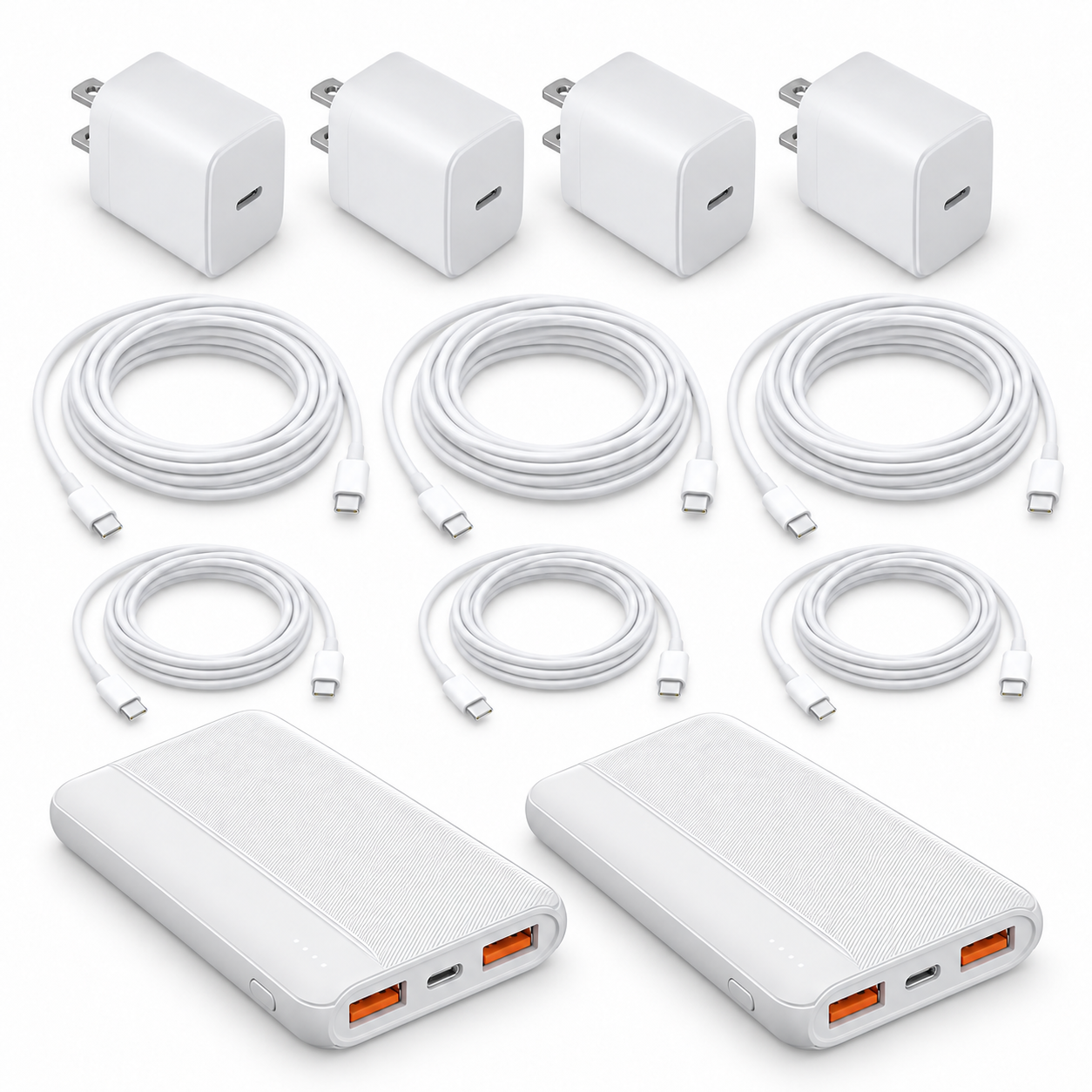
Supporters choose an affordable $30, $50, or $100 package of practical tech essentials: charging cables, wall chargers, and portable power. These are products people need today and are likely to need again at home, at work, in the car, or on the go. Your group receives 50% of every purchase.
Someone who doesn’t need a product can choose Donate directly on the fundraiser page and give any amount instead.
04Track progress and manage your account
Use your organizer dashboard to follow orders, sales, funds raised, and participant progress. Update your fundraiser’s details and keep sharing its link as you work toward your goal.
Inside My Account, use Settings for your organization details and Bank account to add or update ACH payout information.